
Your Maps card and your homepage are two public pages
Customers see both. They tap the listing on Maps. They open the website from that listing, or from a search result. When the two pages disagree, they stop trusting either one.
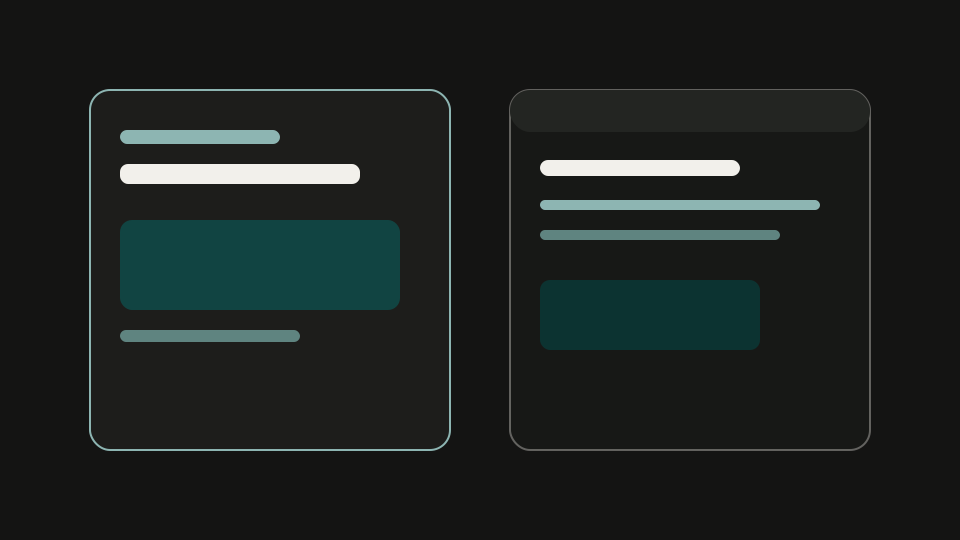
What lives on the listing
The Business Profile holds the name, the pin, hours, photos, the phone, and a website field. Google's guidelines for representing your business on Google ask for a phone and a website that belong to that location. If the listing is unclaimed, those fields sit there until someone verifies the profile.
What lives on the homepage
The site holds the title, the headline, the story, the contact path, and any structured data you added. The Get Found scan reads that public HTML. It does not pull hours from Maps. It does not copy photos from the card.
How they get out of sync
- You change hours on the door and the site, and the listing still has last winter.
- You rebuild the website and forget to update the website field on the profile.
- The site has a storefront photo. The listing has an empty photo set.
- The site has a phone. The listing still shows an old number, or a second card uses the same phone.
None of that needs a rank to be a problem. A person standing in the parking lot can see the mismatch.
Where the scan starts
Get Found starts with the homepage because we can fetch it. The listing look is a person. You see the site rows first. The 24-hour email ties the two pages together. Read what we check on your homepage for the rows, then send the site through the scan.
Check the homepage, then the listing
Enter the website. We read the public page. A person emails what to fix within 24 hours.
Run the checkRelated reading
Questions owners ask
Why do the Maps card and the homepage get out of sync?
They are two pages you edit in two places. Hours, phone, photos, and the website field live on the Business Profile. Title, headline, contact path, and structured data live on the site. One can change while the other stays old.
Which page does Get Found read first?
The public homepage. A person then looks at the public listing if one is findable and emails what to fix within 24 hours.